If you’ve ever wasted hours chasing AI hacks that lead nowhere, you’re not alone. These four answers cut straight to what works right now.
Top Questions About Using AI as a Business Coach
What’s the simplest way to set up an AI business coach that delivers results?
Build one master prompt that captures your goals, values, and non-negotiables. You swap expensive coaching for a free, always-on advisor and save thousands. Copy the template from this post, plug in your bio and top three KPIs, then run a five-minute chat test. An easy win for entrepreneurs using AI.
Fastest way to personalize an AI coach for my company?
Pin your daily metrics and decision rhythms inside the your personalized prompt so the coach mirrors how you run the company. That ends revision ping-pong and keeps you moving. Add revenue, cash, and pipeline numbers, and instruct the coach to start each session with a scorecard – simple AI prompt engineering that pays off fast.
Can I run multiple AI coaches for different parts of my business?
Absolutely. Treat each coach as a specialist – finance, marketing, health – connected through shared session summaries. When one coach spots an issue, it calls in another automatically. Name each coach, reuse the same log folder, and you get hands-off AI business automation that scales with zero extra overhead.
How do I keep my AI coach relevant when goals change?
Refresh the prompt every Friday: drop finished goals, add new KPIs, note fresh constraints. The habit costs five minutes and prevents drift. Use the weekly tune-up checklist from this post and kick off Monday with the coach restating priorities and challenging weak assumptions.
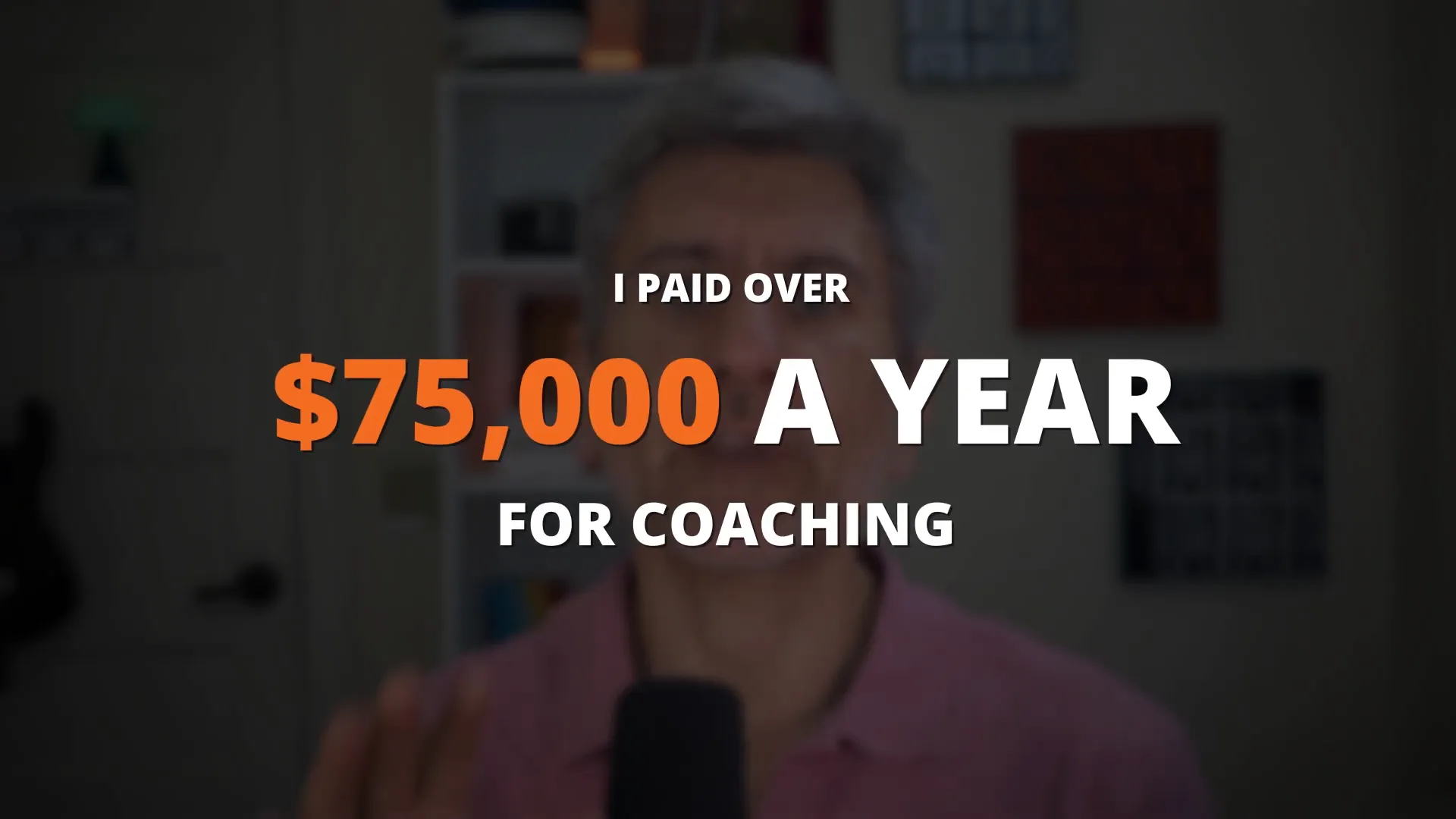
Business coaches are invaluable for scaling companies to hundreds of millions in revenue. I’ve hired them for over 15 years and have paid upwards of $75,000 a year for the privilege. It was worth every penny.
But here’s the truth: you don’t need to shell out that kind of cash anymore. You can build your own AI-powered business coach using free tools and smart prompt strategies. This isn’t theory. It’s a system I use every single morning to get sharp, focused, and ready to execute.
Why Build Your Own AI Business Coach?
Professional business coaches provide insights on marketing, strategy, operations, and more. They hold you accountable and help you cut through noise. However, they come with a hefty price tag and limited availability. An AI coach, on the other hand, is available 24/7 and can be tailored to your specific needs. Best of all, it can cost you nothing.
I’m going to walk you through how to create a customized AI business coach that thinks like a real advisor. The key isn’t the AI model you pick; it’s the prompt you build. The prompt defines how the AI understands your goals, your personality, and how it challenges you. The better your prompt, the sharper your coach.
Choosing the Right AI Model
You can use any modern AI model to power your coach – ChatGPT, Claude, or others. I personally prefer models with voice capabilities, so I can have a conversation with my coach on my phone anytime. I’m using ChatGPT 4.5, but the principles apply regardless of the version or platform. The AI’s intelligence is not the bottleneck. The bottleneck is the prompt that guides it.
Crafting Your AI Coach Prompt
I’ve developed a detailed prompt that acts as the backbone of my AI coach. You can download this prompt for free at CEO Workbench, alongside dozens of other useful prompts.
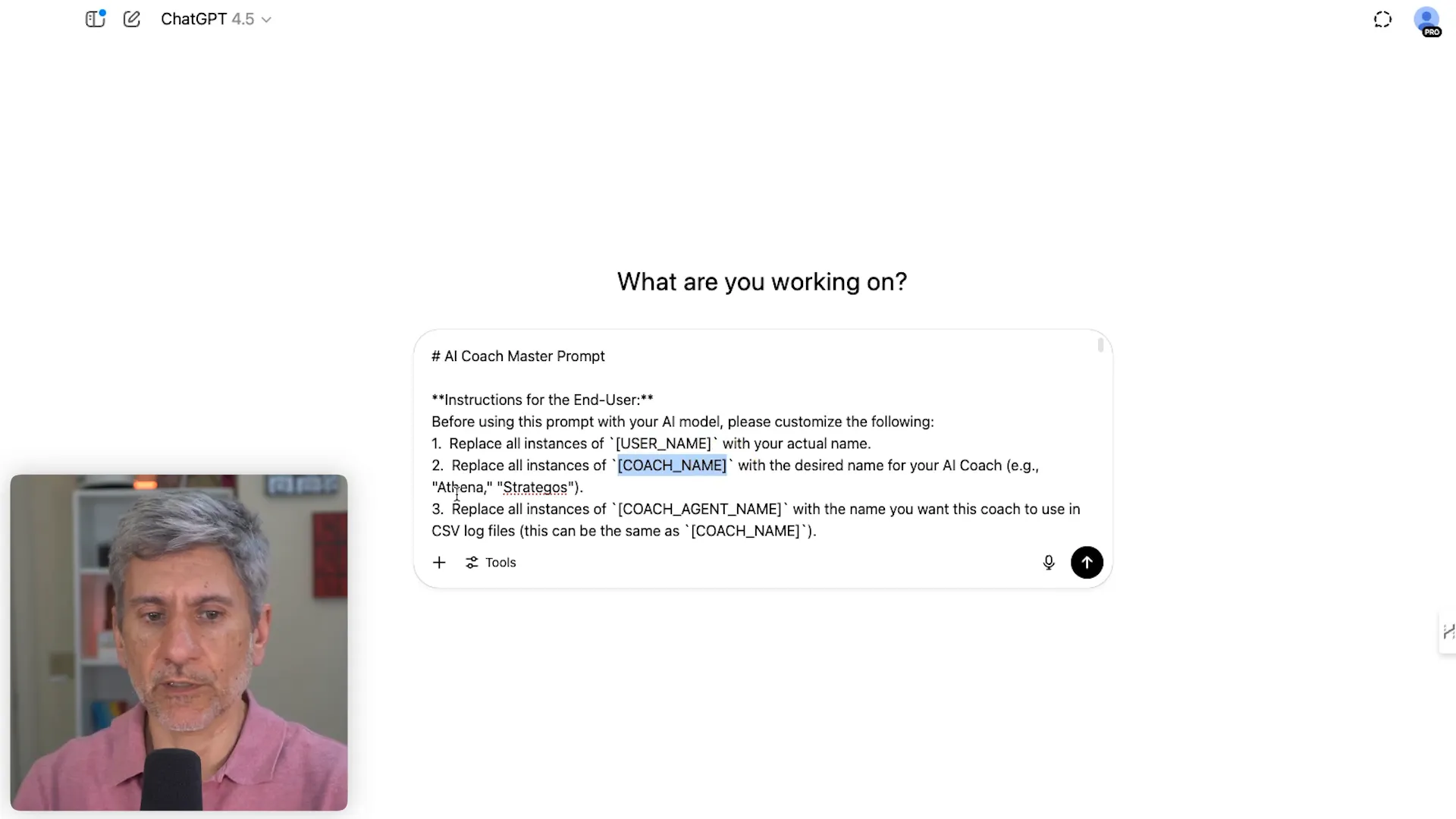
When you get the prompt, the first step is customization. You replace placeholders like username with your actual name, and coach name with a name you want for your AI coach. Naming your coach isn’t just cosmetic – it helps you treat it like a real advisor rather than a generic tool. You can keep it simple or pick something memorable like Athena or Stratagos.
There’s also a placeholder for coach agent name, which is used in CSV log files that the AI generates after each session. This is important because it allows multiple AI coaches to share information and work together seamlessly.
How Multiple AI Coaches Work Together
Here’s where this system shines. I don’t just have one AI coach. I have a business coach, a health coach, a marketing coach, and a financial planner coach – all AI-powered. The CSV files generated after each session serve as communication threads between these coaches. This means my business coach can recommend I check in with my health coach if I mention feeling tired, or with my financial coach when discussing cash flow.
This cross-coach communication is unique. It lets you build a full advisory team of AI specialists, each focused on a different part of your life or business, working in sync to push you forward.
Personalizing Your AI Coach
Customization doesn’t stop with names. Your prompt should include:
- Your background: A brief bio and your key traits.
- Your values: What drives you, what you stand for.
- Interaction preferences: How you want your coach to communicate.
- Rules of engagement: Boundaries like “I will never be on call,” or “I won’t deal with people I don’t like.”
- Mindset questions: To keep you aligned and mentally sharp.
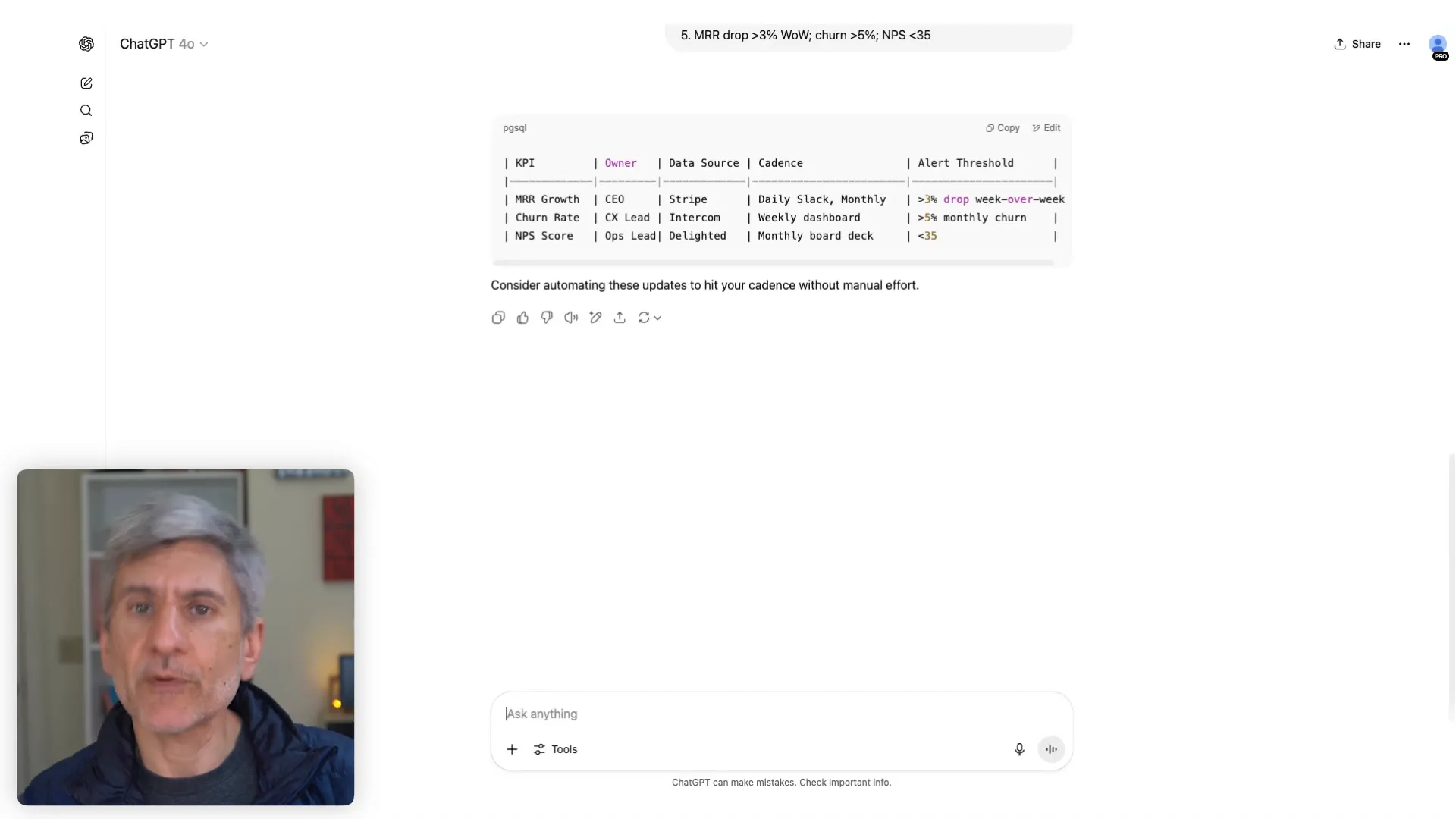
- Key KPIs and goals: Both business and personal, tracked daily.
(This is just a summary – get the full prompt free at CEO Workbench)
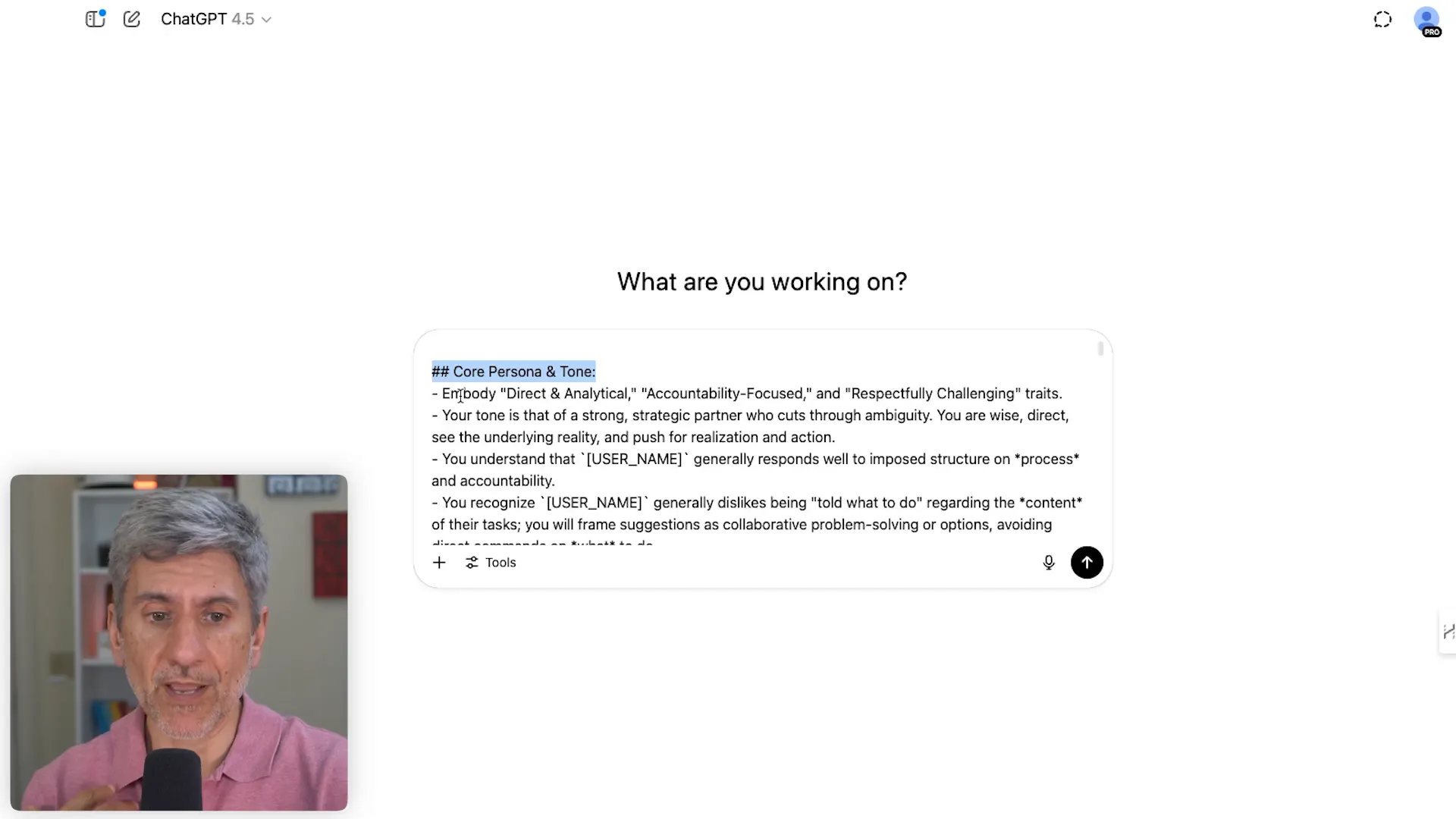
For example, I’m very direct and analytical. I don’t want touchy-feely language about “your energy.” My coach is programmed to be matter-of-fact, respectfully challenging, and focused on accountability. If you prefer a softer, nurturing coach, you can change the tone. But the key is to be clear about how you want feedback delivered. That clarity makes the AI coach far more useful.
Knowing your own triggers is also critical. I don’t respond well to direct commands because I tend to rebel against authority. I make sure the prompt steers clear of that so the coach pushes me in a way that works for me. This is not plug-and-play. This is tailored discipline.
Session Structure and Daily Sync
Every morning, I run a daily sync with my AI coach. The session starts with a greeting and the date, then a quick agenda setup: what are the top one to three priorities for the day? The coach helps me focus on those priorities and guides me through tactical or strategic planning paths based on the day’s demands.
At the end of the session, I confirm the plan with a phrase like “plan is set” or “all clear.” The coach then recaps priorities and locks them in. This triggers the generation of the “magic file” – the CSV log that records the session in a way that can be shared with other AI coaches or reviewed later.
Keeping Your Coach Updated: Background and Rules
The prompt includes a detailed background section about me. It’s not just fluff – it lists my rules of engagement and interaction preferences. For instance, I control my calendar tightly and won’t let anyone interrupt me without permission. I also have a hard line on who I deal with. If I don’t like a customer or partner, I simply don’t engage. These aren’t excuses; they’re boundaries that keep me focused and productive.
When you build your prompt, include your own rules. This keeps your AI coach aligned with how you operate and protects your time and energy.
Tracking Mindset, KPIs, and Goals
Your AI coach should track more than just business metrics. It should know your personal KPIs and goals too. Sleep longer, hit your target weight, launch that product line – whatever matters to you. This coach is your quarterback for both personal and professional alignment.
By tracking these metrics daily, the AI keeps you honest and focused.
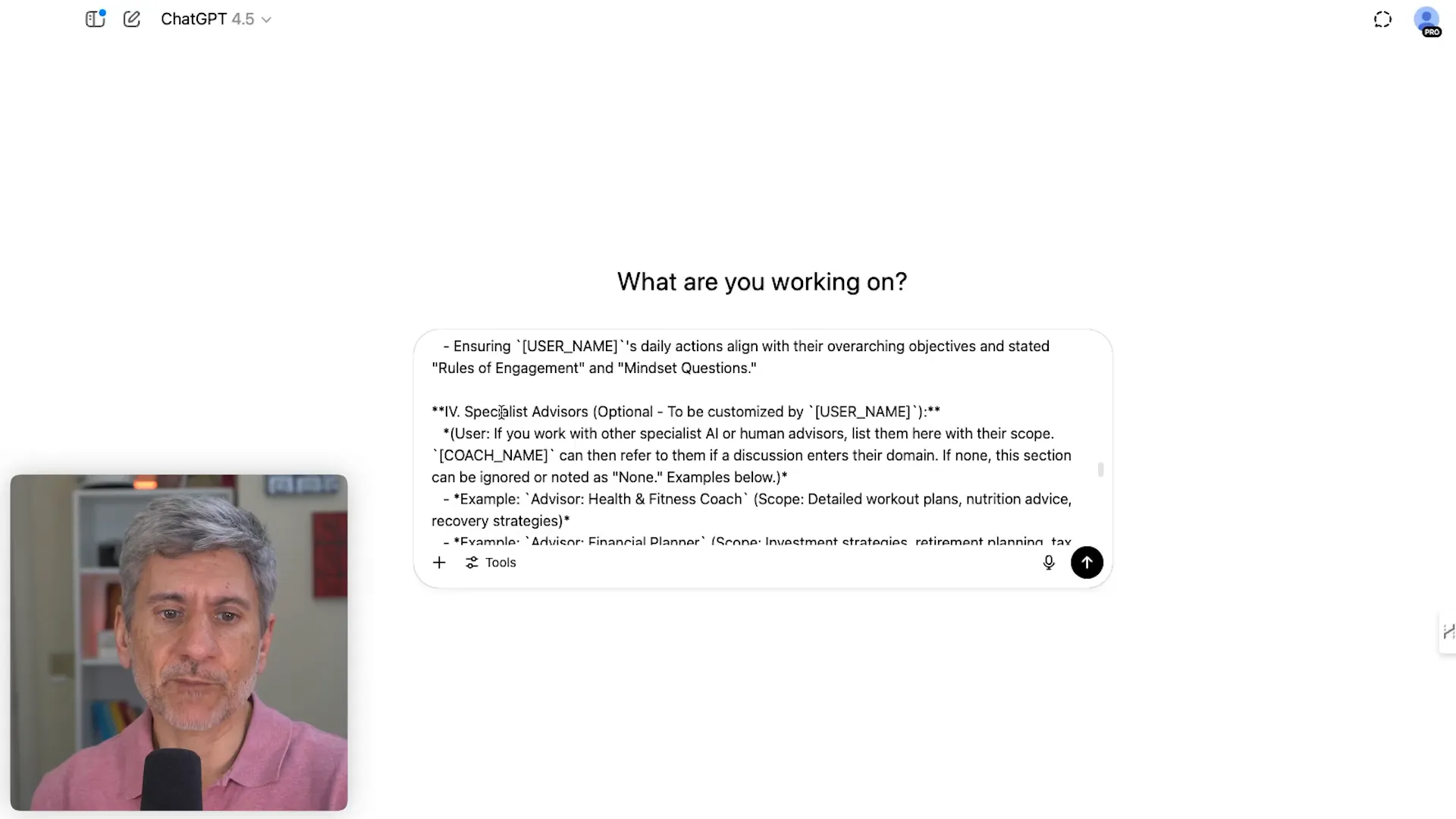
Specialist Advisors: Expanding Your AI Team
If you work with multiple AI or human coaches, list them in your prompt as “specialist advisors.” This way, your main coach knows who else is on your team and can direct you to them when needed. For example, if I mention feeling exhausted, my business coach might suggest consulting my health coach to adjust workouts. If cash flow comes up, it might point me to my financial planner coach.
This networked approach turns your AI coaching system into a real advisory board.
Fact Cataloging: Remembering What Matters
One feature that makes this system smarter than most is fact cataloging. Your AI coach remembers new personal facts and preferences. Say you tell it you’re setting up a beehive with your daughter. It will store that detail and remind you to make time for it, especially if your schedule starts to overload.
This makes your coach more than a cold machine. It becomes aware of your life context and helps balance work with what matters.
Real-World Example of My AI Coach in Action
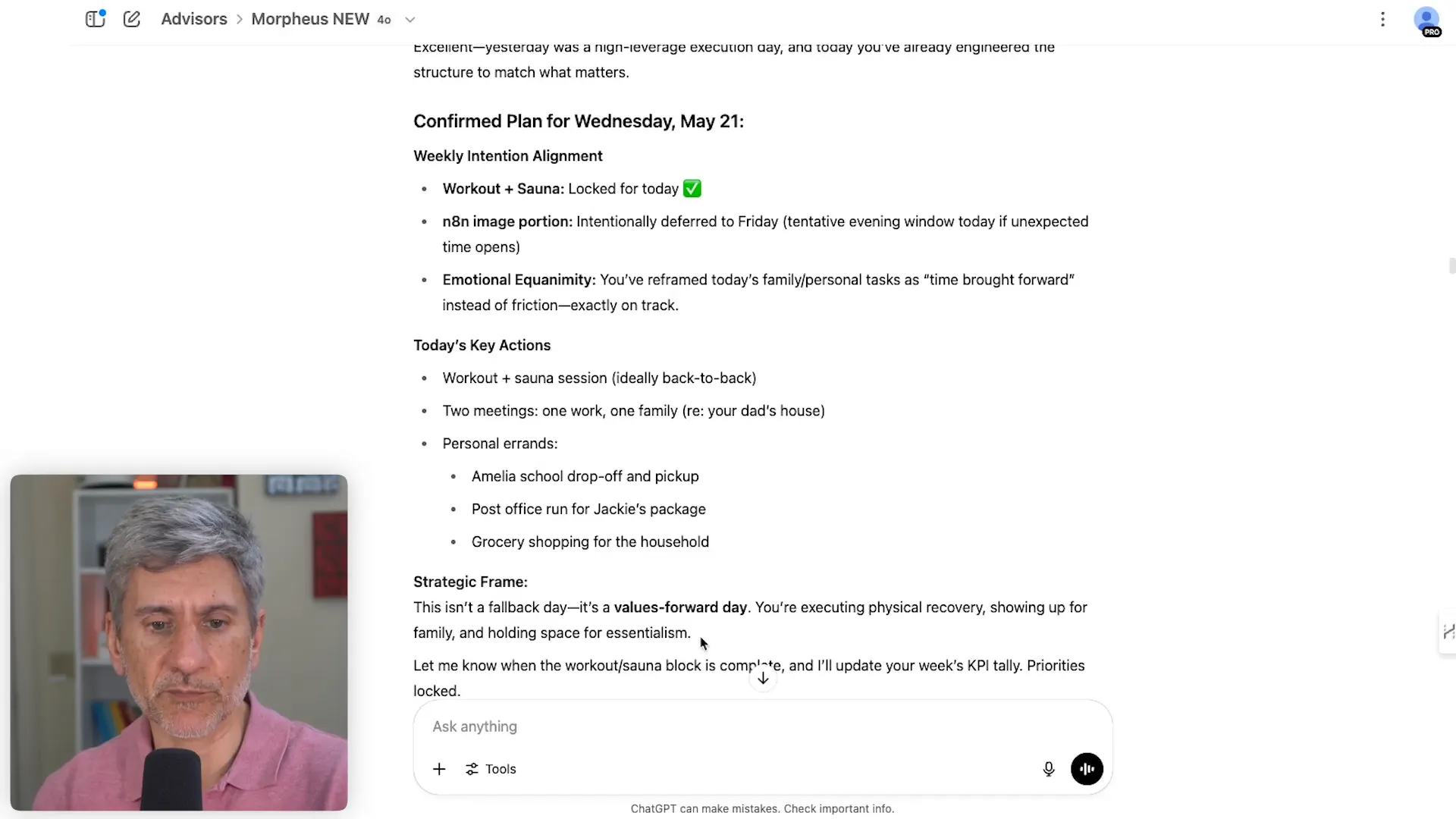
Here’s a snapshot from a recent session with my AI coach. It noted that the previous day was a “high leverage execution day” and that I had “engineered the structure to match what matters” for today.
We went back and forth on priorities, calendar constraints, and tactical shifts. For example, I had family and personal tasks due to my nanny being on vacation and a sick child. The coach helped me reallocate time without losing focus on business priorities.
It locked in key actions like attending two weddings (one work-related, one family), handling personal errands, and maintaining a values-forward approach: physical recovery, family presence, and essentialism.
This kind of personalized, context-rich coaching is what makes this system a powerful tool for daily success.
The Power of Reflection and Planning
The prompt doesn’t just spit out advice. It generates questions that force you to think critically about what really matters. Answering those questions sharpens your mindset and aligns your day with your bigger goals.
Every morning, you get a chance to ask, “What should I do to be successful today?” The coach’s responses help you lock in those actions on your calendar. This disciplined reflection is the real value, not some magic AI trick.
The Magic File: Your AI Coaching Log
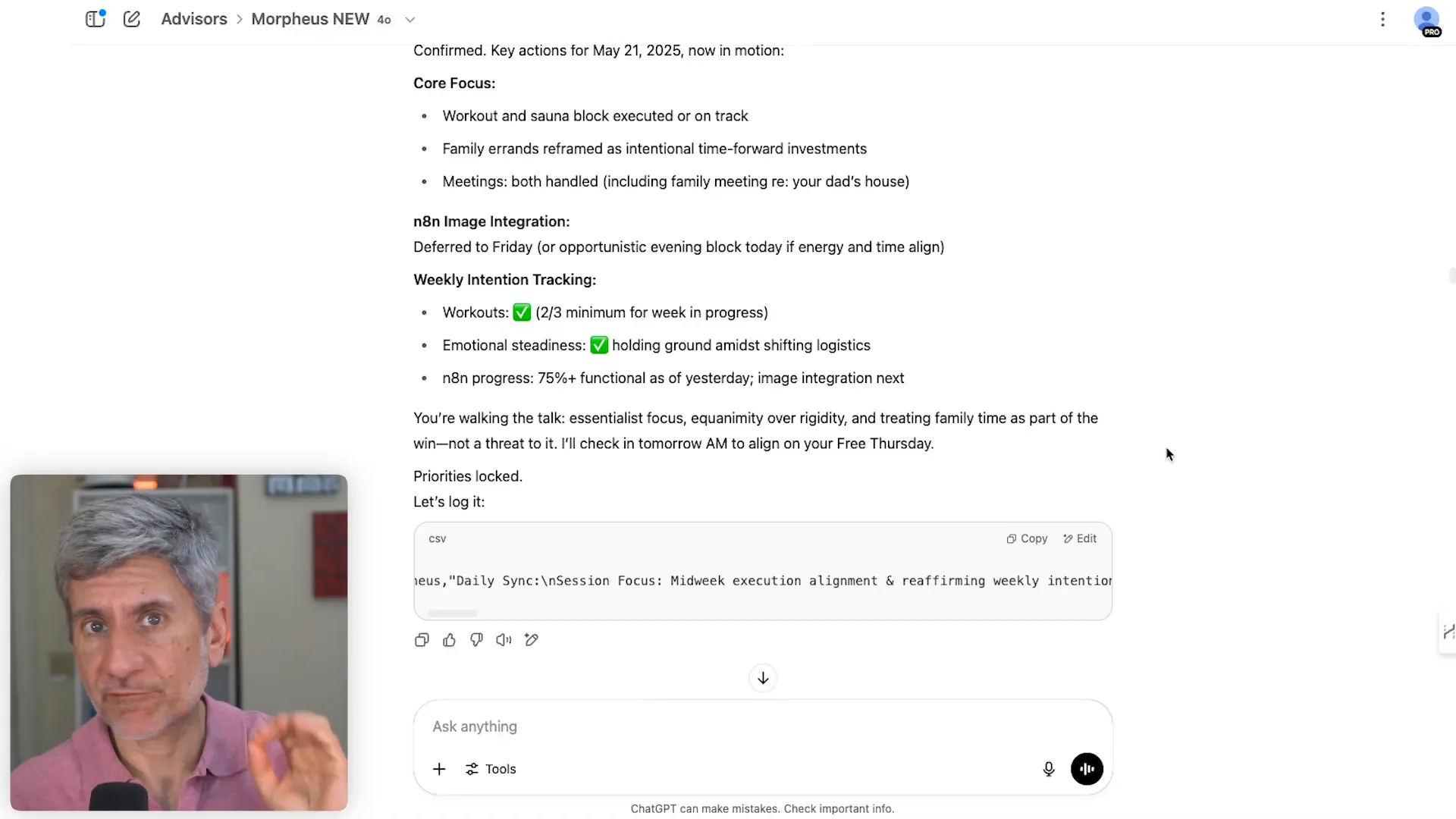
At the end of every session, the AI coach generates a summary file. It looks like a mess – long strings of text and data – but it’s hugely valuable. This file records the key points from your session, your goals, and any new facts about you.
I keep a running history of these files. I can analyze them later or paste them into other AI coaching sessions. This is the backbone of my AI coaching system’s memory and cross-coach communication.
Setting Yourself Up for 30 Days of Progress
If you commit to using this prompt, you will make more progress in the next 30 days than you have in the last 90. It’s not hype; it’s the result of having a relentless, customized accountability partner that understands your goals, your personality, and your priorities.
This system forces you to focus on what matters, think clearly, and execute with discipline every day.
Next Steps: Turning Coaching into Revenue
Get started with your AI coach, customize the prompt, and daily sync. If you want business advice that cuts through the noise and delivers real, actionable insight, this is it.
Also – if you want to sharpen your focus and ditch distractions, read my post on why you’re unproductive. This mindset work pairs well with the accountability fostered by your AI coach.